Best tools
Best AI Tools for Ecommerce Operations Automation
Compare ecommerce operations automation tools by workflow type, Shopify triggers, Zapier, Make, owner routing, audit logs, AI exception triage, and risk controls.
Ecommerce operations teams rarely need automation for the happy path. They need it when something breaks: inventory is low, a return needs review, a 3PL misses a scan, an order looks risky, a supplier is late, or a workflow has no clear owner.
AI can help classify exceptions, summarise context, and route work. It should not hide decisions that affect money, customer records, fraud, fulfilment, or inventory. The best automation stack creates accountable work with logs, owners, and failure alerts.
TLDR
- Use Shopify Flow when the workflow is native to Shopify and the trigger, condition, and action are clear.
- Use Zapier when broad app coverage and fast cross-tool automation matter more than deep operational control.
- Use Make when workflows need branching, routers, parsing, retries, and more flexible data handling.
- Use Mechanic, MESA, Alloy Automation, or Arigato when Shopify-specific automation needs more depth than Flow.
- Use custom webhooks or serverless workflows for critical operations such as inventory allocation, fraud holds, ERP sync, refunds, and 3PL exceptions.
- Use AI for classification, summaries, anomaly detection, and draft owner handoffs. Keep approvals around money, risk, and customer data.
Map automation tools by operations lane
| Operations lane | Tools to shortlist | Proof to request |
|---|---|---|
| Native Shopify workflows | Shopify Flow | Trigger/action coverage, ease of ownership |
| Cross-app routing | Zapier, Make | Connector reliability, retries, error alerts |
| Shopify-specific automation | Mechanic, MESA, Alloy, Arigato | Store data access, logs, maintenance model |
| Critical workflow logic | Webhooks, serverless functions, internal tools | Idempotency, tests, audit trail, rollback |
| Exception triage | AI layer plus workflow tool | Classification accuracy, owner handoff, approval gates |
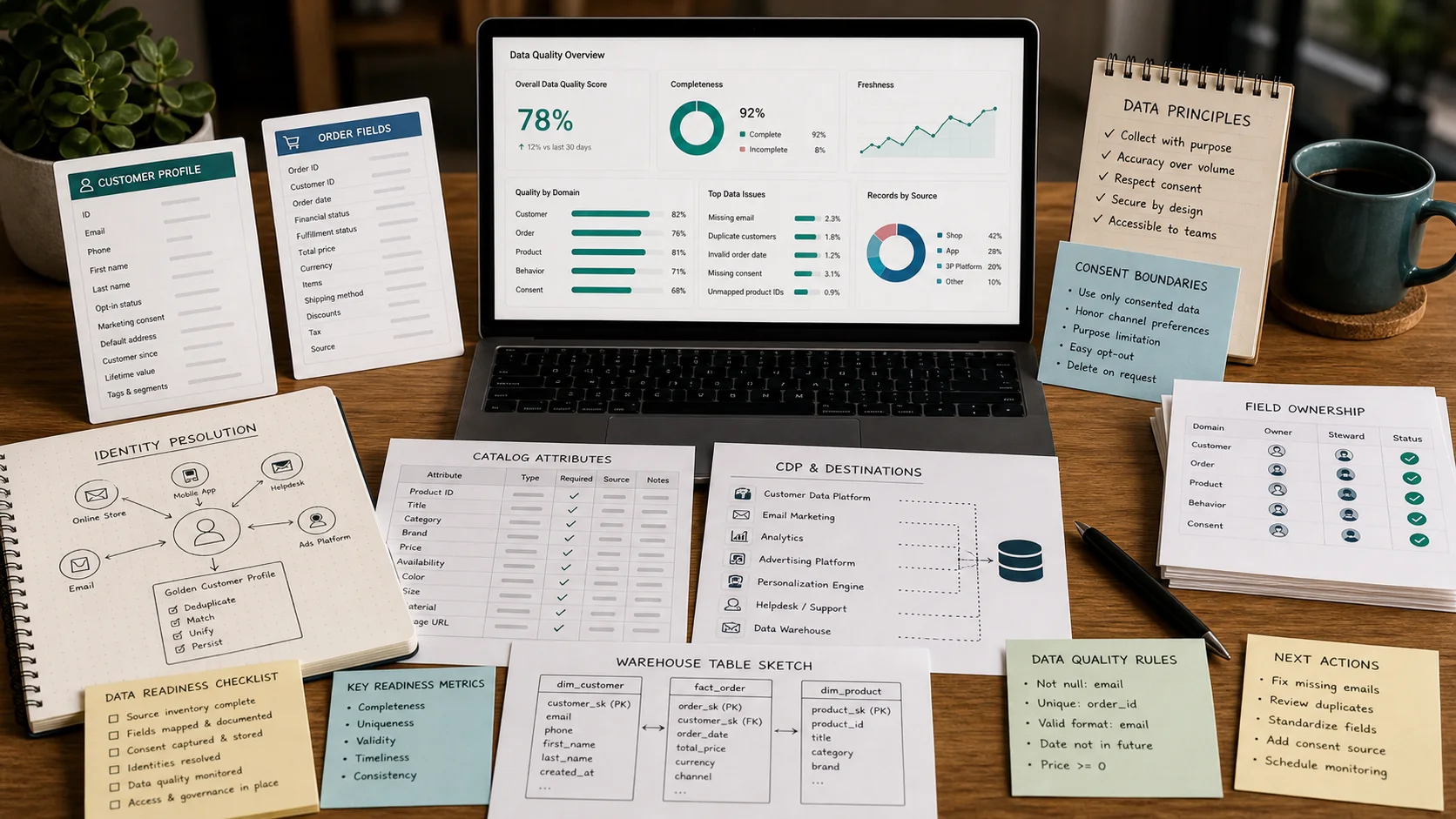
| Data readiness | CDP, warehouse, PIM, consent tools | Field freshness, permissions, failure behaviour |
Do not pick a tool before naming the workflow owner.
Shopify Flow should handle simple native workflows
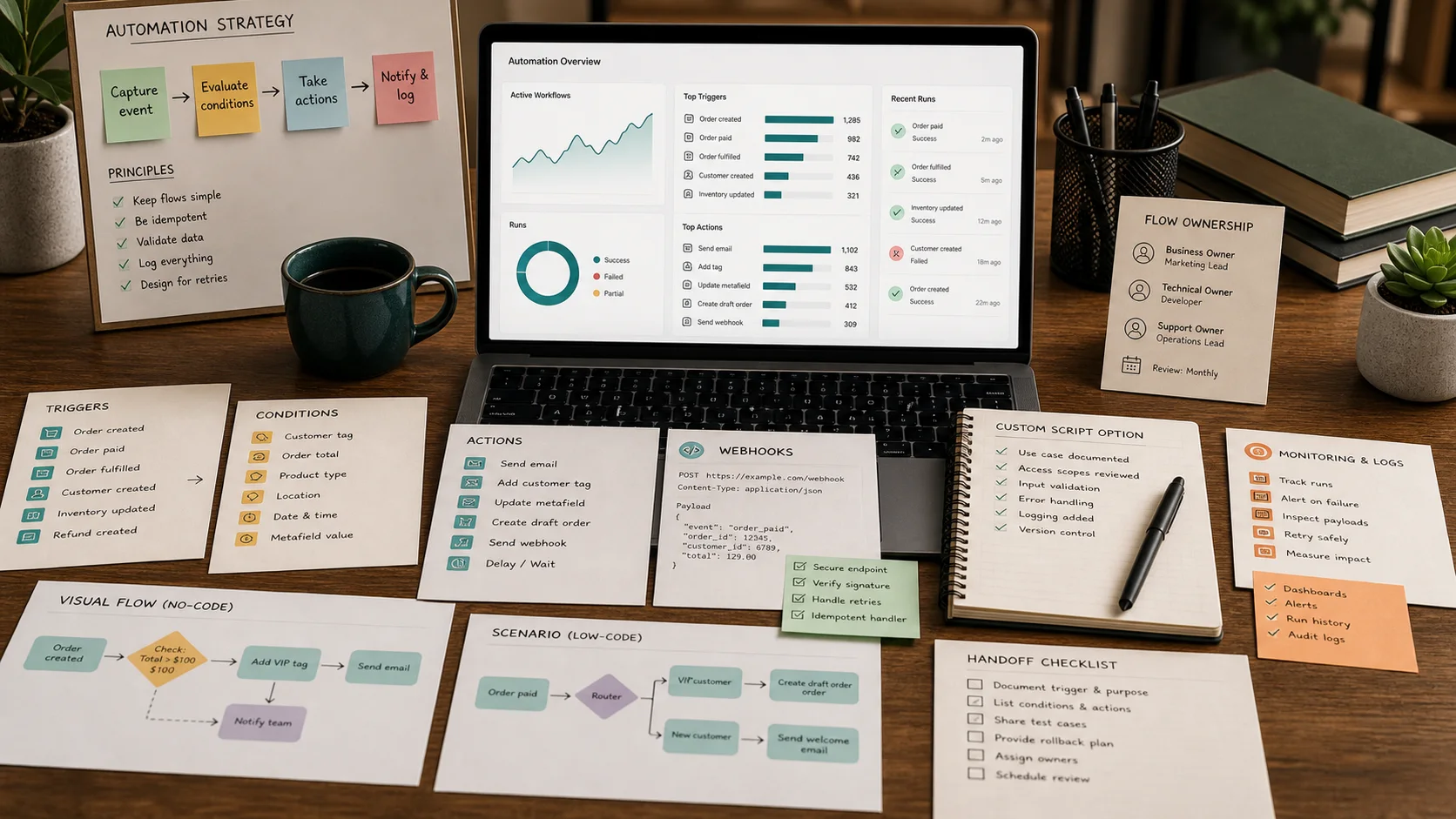
Shopify Flow is the first place to check when the automation starts and ends inside Shopify. It works well for straightforward workflows such as tagging orders, flagging customers, routing internal notifications, updating metafields, and reacting to native events.
Keep Flow when the workflow is easy to explain:
- Trigger: order created.
- Condition: order value is above threshold.
- Action: tag order and notify operations owner.
Move beyond Flow only when the workflow needs unsupported actions, external data, deeper branching, stronger logs, or custom failure handling.
Zapier and Make fit cross-app workflows
Zapier is useful when the team needs fast automation across common business apps. It suits lighter workflows such as sending notifications, updating spreadsheets, creating tasks, or connecting forms and CRM records.
Make is useful when the workflow needs more branching, data transformation, routers, or structured scenario control. It can handle more complex routing without jumping straight to custom code.
Both tools need governance. Name the owner, document the trigger, set failure alerts, and review automations before peak periods. A small forgotten workflow can still change customer data.
Shopify-specific automation tools add depth
Mechanic, MESA, Alloy Automation, and Arigato can fit stores that need ecommerce automation beyond native Flow but do not want to build everything from scratch.
Use these tools for workflows such as:
- Auto-tagging orders with more specific logic.
- Routing fulfilment exceptions.
- Updating metafields from external events.
- Creating operational tasks.
- Handling inventory or supplier alerts.
- Connecting Shopify events to non-Shopify systems.
The demo should show logs, permissions, error handling, and how a non-engineering owner reviews what happened.
Custom webhooks fit critical operations
Some workflows should not live in a no-code tool. If the automation can affect refunds, inventory allocation, fraud decisions, financial reconciliation, fulfilment promises, or ERP sync, custom webhooks or serverless workflows may be safer.
Custom automation should include:
- Idempotency keys.
- Retries.
- Error queues.
- Audit logs.
- Tests.
- Access controls.
- Rollback paths.
This costs more to build, but it gives the team control where failure is expensive.
AI belongs in triage and context gathering
AI is useful when the input is messy. It can read a return note, classify an exception, summarise an order history, group supplier issues, identify likely owner, or prepare a human review packet.
AI should not quietly approve a refund, override a fraud hold, change an address after fulfilment starts, promise inventory, or modify customer consent. Those actions need rules, logs, and approval paths.
Use AI when it reduces reading time. Do not use it to hide responsibility.
Operations automation checklist
| Check | Required answer |
|---|---|
| Owner | Who is accountable when it fails? |
| Trigger | Which event starts the workflow? |
| Data source | Which fields are read and how fresh are they? |
| Action | What can the automation change? |
| Approval | Which steps need human review? |
| Logs | Where can the team inspect what happened? |
| Alert | Who is notified on failure? |
| Rollback | How is a bad action reversed? |
If the team cannot answer these questions, the workflow is not ready for production.
Final recommendation
Start with Shopify Flow for native workflows. Use Zapier for broad, simple app connections. Use Make for branching and data handling. Use Mechanic, MESA, Alloy, or Arigato for deeper Shopify automation. Use custom webhooks for critical operations. Add AI only where it improves classification, summaries, and owner routing with clear approval gates.
The best operations automation tool is the one that makes responsibility visible.