Best tools
Best AI SEO Tools for Shopify Stores
Compare AI SEO tools for Shopify by keyword research, collection pages, product copy, schema, technical checks, and measurement.
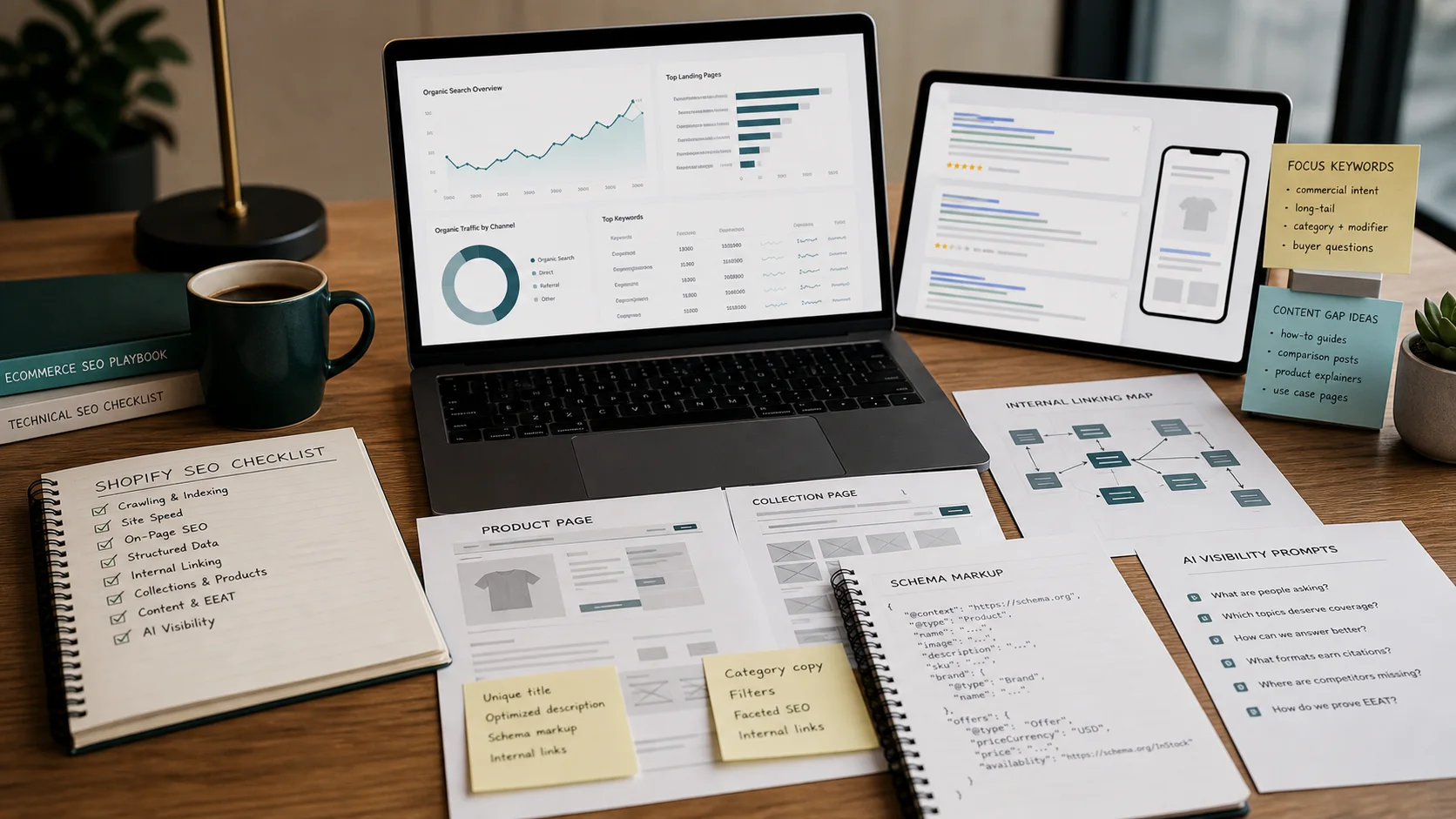
The real decision is not which AI writes the prettiest product description. It is which set of tools helps your store earn more revenue per organic visitor without creating technical debt or publishing low-quality pages that Google later ignores.
Shopify SEO is shaped by product turnover, collection overlap, variant URLs, filtered navigation, and thin manufacturer copy. AI can speed up keyword research, draft product copy, build content briefs, and flag technical issues. It cannot replace judgment about search intent, brand voice, or site architecture. The stores that win treat AI as a production assistant, not a strategist.
This guide covers the tools we actually use across keyword research, content optimization, technical audits, schema markup, and performance measurement for Shopify stores. It also includes a 14-day pilot checklist so you can test any stack before committing to a full workflow.
If you want the broader picture on how AI fits into ecommerce SEO, read our AI ecommerce SEO strategy guide. For product copy specifically, see AI product content generation for ecommerce.
What "AI SEO" means for a Shopify operator
AI SEO tools fall into four buckets:
- Generative assistants : draft product descriptions, meta titles, alt text, and collection intros. Shopify Magic is the native example.
- Research and brief tools : find keywords, analyze SERPs, score content against competitors. Ahrefs, Semrush, Surfer, and Clearscope live here.
- Technical crawlers : audit URLs, redirects, canonicals, schema, and page speed. Screaming Frog and Sitebulb are the standards.
- Measurement platforms : track impressions, clicks, CTR, and indexing. Google Search Console is non-negotiable.
A complete Shopify SEO stack needs at least one tool from each bucket. A store that only uses generative AI will publish fast and rank poorly. A store that only crawls technical issues will have clean code and thin content. The goal is balance.
Shopify Magic: native AI for product copy and meta data
Shopify Magic is built into the admin. It can generate product descriptions, meta titles, and meta descriptions from a few prompts. For stores with hundreds of SKUs, this is the fastest way to remove blank or duplicate meta fields.
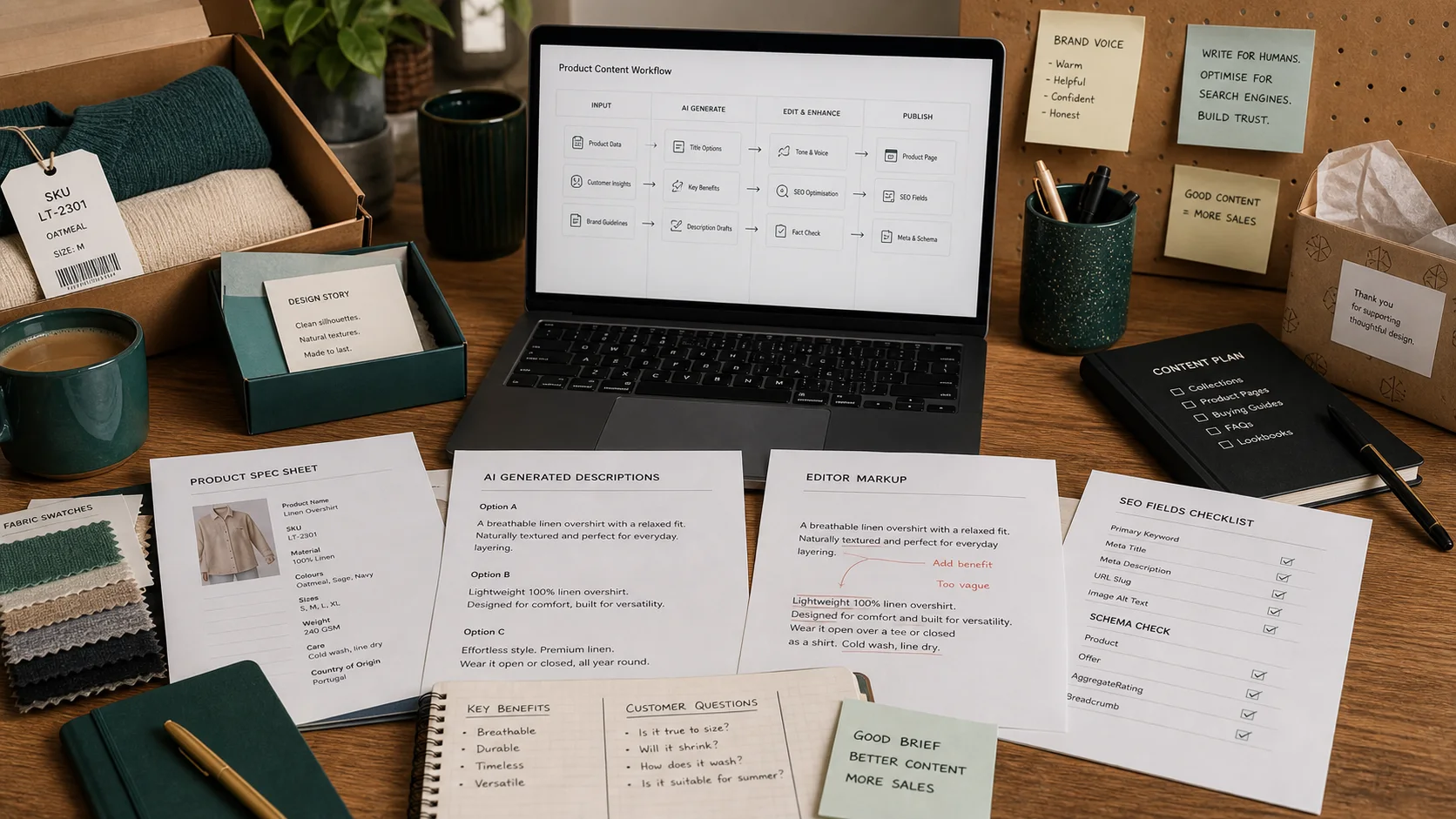
The risk is sameness. If every product in a collection uses the same prompt structure, the output will repeat phrases and dilute category relevance. The fix is to write prompt templates per product type and edit every output before publishing.
### What Shopify Magic does well - Fills empty product descriptions during bulk uploads. - Suggests meta titles that fit Google's 60-character display limit. - Creates alt text suggestions for product images. - Works inside Shopify, so there is no copy-paste between tools.
### Where it falls short - It does not do keyword research. - It does not check search intent or competitor content. - It can produce generic copy if prompts are vague.
### Demo script bullets (5 questions) 1. Can I save prompt templates by product category so copy stays differentiated? 2. Does the generated meta title stay under 60 characters and include the focus keyword? 3. How does the tool handle variants : does each variant get unique copy or inherit the parent? 4. Can I export generated descriptions for human review before bulk publish? 5. What guardrails prevent duplicate phrasing across a 500-product catalog?
For more on product description tools, see best AI tools for ecommerce product descriptions.
Ahrefs and Semrush: keyword research and competitor intelligence
Ahrefs and Semrush are the two largest SEO suites. Both have AI-assisted features, but their core value is data: keyword volume, keyword difficulty, SERP history, backlink profiles, and competitor content gaps.
For Shopify, we use these tools for three jobs:
- Collection page keyword mapping : find the parent keyword a collection should own, then identify long-tail modifiers.
- Product page prioritization : decide which products deserve unique landing pages versus which should live as variants.
- Competitor gap analysis : see which keywords competitors rank for that your store does not.
Ahrefs tends to have cleaner backlink data and a faster interface. Semrush has stronger PPC and content marketing workflows. Many operators use Ahrefs for technical and link research and Semrush for content calendars. Prices vary by tier; check current plans on each site rather than relying on outdated screenshots.
### Practical workflow for Shopify Start with a seed keyword like "linen duvet cover." The tool returns related terms, questions, and competitor pages. Group terms by intent: - Transactional: "buy linen duvet cover," "linen duvet cover sale" - Informational: "how to wash linen duvet cover," "linen vs cotton duvet cover" - Comparison: "best linen duvet cover brand"
Map transactional terms to collection and product pages. Map informational terms to blog posts that internally link to collections. This prevents every page from competing for the same keyword.
### Demo script bullets (5 questions) 1. Can I filter keyword suggestions by ecommerce SERP features like product rich results or shopping tabs? 2. How do you define and report keyword difficulty for a new Shopify domain with low authority? 3. Can I track competitor collection pages and see which keywords drive their traffic? 4. What is the export limit for keyword lists, and can I import them into a content calendar? 5. How does the tool flag keyword cannibalization when multiple Shopify collections target similar terms?
Surfer and Clearscope: content briefs and on-page scoring
Once you have keywords, you need to build pages that match what Google is already rewarding. Surfer SEO and Clearscope compare your draft against top-ranking pages and suggest word count, heading structure, related terms, and internal linking opportunities.
Surfer is heavier on SERP analysis and content editor scoring. Clearscope is stronger on readability and term relevance. Both help avoid the common mistake of writing what you think the page should say instead of what searchers actually want.
### How to use them for Shopify collections A collection page is not just a grid of products. It is a landing page that needs a clear H1, introductory copy, filters, and internal links. Use Surfer or Clearscope to:
- Set a target word count based on the median of ranking pages.
- Identify entities and related terms to include naturally.
- Structure H2s around questions people ask.
- Compare your draft against competitors before publishing.
Do not chase the score blindly. A 95-content-grade page that reads like keyword soup will not convert. Use the score as a draft check, then edit for voice and purchase intent.
### Demo script bullets (5 questions) 1. Does the content editor integrate directly with Shopify, or do I copy HTML back and forth? 2. How does the tool account for ecommerce pages where the product grid dominates the page? 3. Can I compare my collection page against specific competitors rather than generic SERP averages? 4. What readability thresholds do you recommend for product and collection copy? 5. How do you prevent over-optimization or keyword stuffing in the suggested terms?
Screaming Frog: technical SEO audits for Shopify
Screaming Frog crawls your store like a search engine and reports what is broken. For Shopify, the most valuable reports are:
- Redirects and redirect chains : common after theme changes or app uninstalls.
- Canonical tags : Shopify adds self-referencing canonicals by default, but filters and sorting can create duplicates.
- Title tags and meta descriptions : missing, duplicate, or over-length fields.
- Hreflang : if you run multi-market stores.
- Schema markup : whether structured data is present and valid.
The free version crawls up to 500 URLs. A mid-size Shopify store with collections, products, blog posts, and pagination will need a paid license. Screaming Frog does not use AI, but it is the reference tool for the technical foundation that AI-generated content sits on.
### Key Shopify-specific checks - Collection pagination: ensure rel="next" and rel="prev" are handled, or that paginated pages canonicalize correctly. - Variant URLs: Shopify variants can create parameter URLs. Decide whether to canonicalize to the parent product or noindex parameter pages. - App bloat: every SEO app adds scripts. Screaming Frog helps you see which pages load slowly because of third-party code.
### Demo script bullets (5 questions) 1. Can I crawl a Shopify store with JavaScript rendering enabled to catch app-injected content? 2. How do I identify duplicate title tags caused by collection pagination or vendor filters? 3. Can the crawler extract schema markup and validate it against Google's rich results test? 4. What is the best way to audit internal links and orphan pages on a large catalog? 5. How do I schedule regular crawls and compare changes week over week?
Google Search Console: the measurement layer
Google Search Console (GSC) is free and irreplaceable. It shows how Google sees your store: impressions, clicks, average position, indexing status, and manual actions.
Use GSC to:
- Validate AI content experiments: compare clicks and impressions before and after publishing AI-assisted pages.
- Find query-page mismatches: a product page ranking for an informational query may need a blog post or FAQ section.
- Monitor indexing: see which pages Google excludes and why.
- Track Core Web Vitals: page speed signals that affect rankings.
The AI angle is simple: do not publish AI content and forget it. Use GSC to check whether it actually earns impressions, whether CTR is healthy, and whether Google indexes it.
### Demo script bullets (5 questions) 1. How do I segment performance data by page type : collections, products, blog : in the new interface? 2. Can I set up alerts for sudden drops in impressions or clicks? 3. How do I identify pages that get impressions but no clicks, and what does that imply about title tags? 4. What is the difference between "Discovered - currently not indexed" and "Crawled - currently not indexed"? 5. How do I submit sitemaps and monitor index coverage for a large Shopify catalog?
Schema markup and Shopify apps
Schema helps Google understand product details, reviews, pricing, availability, and breadcrumbs. Shopify themes include basic product schema, but most stores need more for rich results.
Useful Shopify apps include:
- Schema Plus: adds structured data for products, reviews, FAQs, breadcrumbs, and local business.
- JSON-LD for SEO: injects JSON-LD schema without editing theme files.
- Smart SEO: handles meta tags, alt text, and schema.
- SEOAnt: includes structured data, broken link checks, and speed tools.
- TinyIMG: optimizes images and can support alt text workflows.
Do not install three schema apps at once. Overlapping schema can cause validation errors. Pick one, test it with Google's Rich Results Test, and monitor GSC for structured data reports.
### Schema priorities for Shopify 1. Product schema: name, description, price, availability, SKU, brand, image. 2. Review/rating schema: if you collect reviews, expose aggregate rating. 3. BreadcrumbList: helps Google show navigation paths in SERPs. 4. FAQPage: useful for collection and blog content, but only if the FAQs are genuinely on the page. 5. Organization/LocalBusiness: if you have a physical location or want brand signals.
Avoiding AI spam and search penalties
Google's guidance is clear: AI-generated content is allowed if it is helpful, original, and satisfies search intent. The penalty risk comes from publishing at scale without review.
Rules we follow:
- Human edit every AI draft. Check facts, tone, and internal links.
- Do not auto-publish. Use AI to draft, not to publish.
- Add original value. Include sizing data, fit notes, use cases, or brand perspective that AI cannot invent.
- Keep E-E-A-T signals. Author bios, about pages, contact details, and review content matter.
- Monitor indexing. If GSC shows a pattern of "Crawled - currently not indexed" on AI pages, pause and audit quality.
For more on how retrieval-augmented generation can ground AI content in real product data, see our RAG glossary.
Tool comparison table
| Tool | Primary job | Best for Shopify | Main limitation | Operator note |
|---|---|---|---|---|
| Shopify Magic | Generative product copy | Bulk meta and description drafts | No keyword or competitive data | Edit every output; use category prompts |
| Ahrefs | Keyword and backlink research | Collection mapping and gap analysis | Price scales with data needs | Export keyword groups by intent |
| Semrush | Keyword + content marketing | Content calendars and PPC overlap | Can feel bloated for pure SEO | Use for editorial planning |
| Surfer | Content scoring | Collection page copy structure | Score chasing hurts readability | Use score as draft check, not target |
| Clearscope | Content relevance | Briefs for blog and buying guides | No technical audit features | Strong for editorial quality |
| Screaming Frog | Technical crawler | Redirects, canonicals, schema checks | Steep learning curve | Schedule weekly crawls |
| Google Search Console | Performance measurement | Indexing, CTR, query data | No competitor data | The source of truth for validation |
14-day pilot checklist
Use this checklist when testing any new AI SEO tool stack. Do not buy annual contracts before you prove the workflow.
### Days 1–3: Baseline 1. Export current GSC performance for the last 90 days by page type. 2. Run a Screaming Frog crawl and document the top 10 technical issues. 3. List your top 20 collection and product pages by organic traffic. 4. Audit existing meta titles and descriptions for duplicates or blanks. 5. Confirm which schema types are currently implemented.
### Days 4–6: Keyword and content planning 6. Pick 5 priority collection pages and run keyword research in Ahrefs or Semrush. 7. Map one primary keyword and 3–5 secondary terms to each collection. 8. Build a content brief in Surfer or Clearscope for one underperforming collection. 9. Identify 3 informational blog topics that can internally link to those collections. 10. Review competitor collection pages for content length, headings, and SERP features.
### Days 7–10: Content production and optimization 11. Use Shopify Magic to draft descriptions for 10 products in one category. 12. Human-edit every draft for accuracy, tone, and keyword placement. 13. Update one collection page with the new brief, internal links, and FAQ schema. 14. Add or fix product schema using one Shopify schema app. 15. Submit updated sitemaps to GSC and request indexing for changed pages.
### Days 11–14: Measurement and decision 16. Record pre-publish rankings, impressions, and clicks for the changed pages. 17. Schedule a follow-up Screaming Frog crawl to confirm no new errors. 18. Review GSC indexing status for the updated pages. 19. Compare AI-assisted page drafts against human-written controls for quality. 20. Decide whether to renew, replace, or expand the tool stack based on traffic and efficiency gains.
TLDR
The best AI SEO tools for Shopify stores are not the ones with the most features. They are the ones that fit four jobs: generative copy, keyword research, content optimization, and technical measurement. Shopify Magic drafts product copy fast but needs human editing and category-specific prompts. Ahrefs and Semrush map keywords and competitor gaps. Surfer and Clearscope turn those keywords into structured briefs. Screaming Frog keeps the technical foundation clean. Google Search Console proves whether any of it works. Use a 14-day pilot before scaling, avoid auto-publishing AI content, and treat AI as a production assistant rather than a strategist.
FAQ
### Can AI SEO tools guarantee first-page rankings? No. Tools can speed up research, drafting, and auditing, but rankings depend on authority, relevance, technical health, competition, and user behavior. Use AI to improve efficiency, not to buy rankings.
### Is Shopify Magic enough for SEO? No. It helps with product copy and meta data, but it does not do keyword research, competitor analysis, technical audits, or performance measurement. Pair it with at least one research tool and one crawler.
### Will Google penalize AI-generated product descriptions? Google does not penalize content solely for being AI-generated. It penalizes low-quality, unhelpful, or spammy content. If you human-edit AI drafts and add original value, the risk is low.
### How many SEO apps should a Shopify store run? As few as possible. Each app adds code and potential conflicts. For schema, pick one app. For meta and redirects, pick one. Audit app overlap with Screaming Frog and remove redundant tools.
### Should I use Surfer or Clearscope? Use Surfer if you want deep SERP analysis and content scoring tied to ranking pages. Use Clearscope if you want cleaner briefs focused on term relevance and readability. Many teams use both at different stages.
### How often should I crawl my Shopify store? For active stores, run a full technical crawl monthly. During migrations, theme changes, or bulk product uploads, crawl weekly until stability returns.
### What is the most common Shopify technical SEO mistake? Duplicate and thin collection pages caused by filters, sorting, vendor tags, and pagination. Use canonical tags, noindex rules, and a clear collection architecture to prevent it.
### How do I measure whether AI content is working? Use Google Search Console. Compare impressions, clicks, CTR, and indexed status for AI-assisted pages against human-written controls over 30–90 days.